How Google Indexing & Ranking Work: The Complete Guide to Indexing, SEO & Visibility for Businesses
Understand how Google finds and ranks your website—learn about indexing, ranking factors, and simple, non-technical steps to improve visibility and traffic with proven SEO strategies.
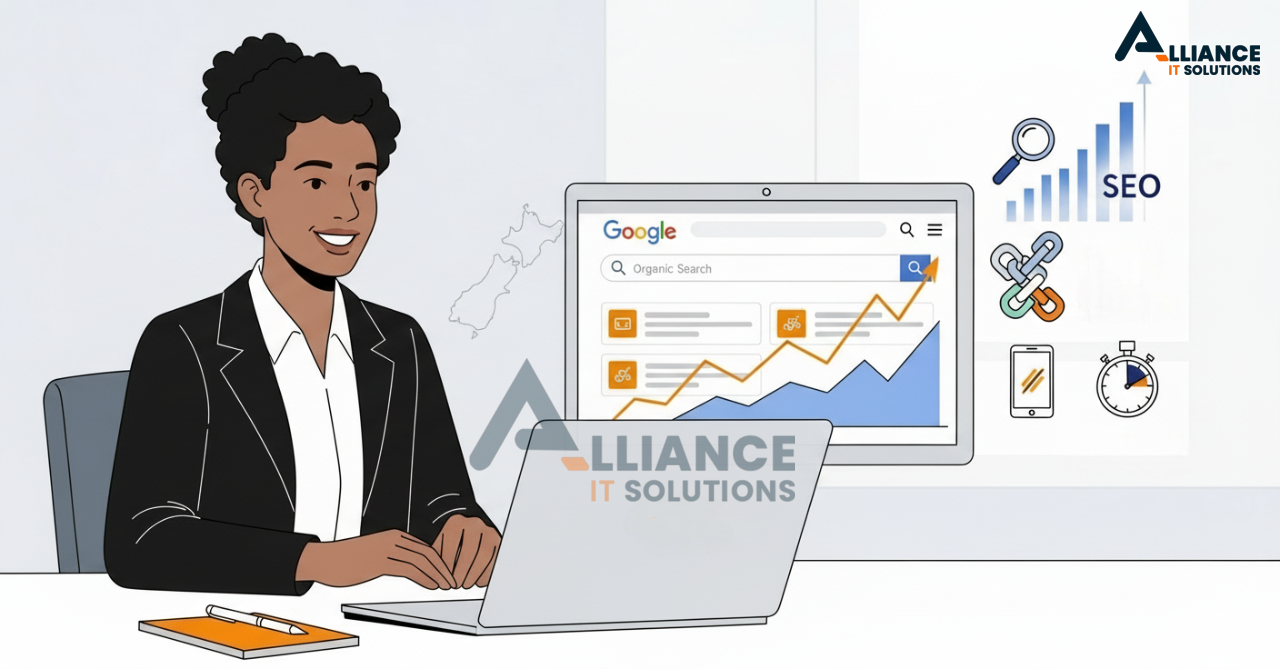
Everything you need to know about Google indexing and ranking — explained in plain English for business owners in the USA, New Zealand, and Australia.
Why This Guide Matters
For business owners and marketers, showing up on Google is no longer optional. Whether you run an e-commerce shop on Shopify, offer services locally, or maintain a personal blog, your visibility in Google search directly influences leads, revenue, and brand credibility.
This guide distills official Google documentation, SEO best practices, and hands-on tips from Alliance IT Solutions — New Zealand’s Shopify and web development experts — to give you a non-technical roadmap to ranking better.
Part 1 — Understanding Google Indexing
Google indexing is like being added to the phone book of the internet. Without it, your website is invisible. When Google “indexes” a page, it stores information about that page in its massive database so it can be retrieved when someone searches for related terms.
How Indexing Works:
- Discovery: Googlebot finds new URLs by crawling links, sitemaps, or manual submissions.
- Crawling: Google’s bots visit your page, read the content, follow links, and assess technical data.
- Indexing: Google decides whether to add the page to its index. It analyzes text, images, meta data, and signals.
Pages that are “indexed” have a chance to appear in search results; pages that are not cannot rank at all.
Part 2 — How Google Ranking Works
Once your page is indexed, Google decides where to place it in search results. Ranking is determined by hundreds of signals, but we can group them into five major categories:
- Relevance: Does your content match the searcher’s intent?
- Quality: Is your content authoritative, accurate, and comprehensive?
- User Experience: Is your site fast, mobile-friendly, and secure?
- Authority: Do other trustworthy sites link to you?
- Freshness: Is your content up-to-date and maintained?
Part 3 — Factors That Influence Indexing
Even before ranking, Google evaluates whether your page can be indexed. Common blockers include:
- Robots.txt blocking Googlebot
- Noindex tags in your HTML
- Duplicate or thin content
- Pages requiring logins
- Excessive URL parameters
Use Google Search Console to test if your URLs are indexed and to fix errors.
Part 4 — Non-Technical SEO Checklist
Optimizing Content
- Write clear titles with your primary keyword (e.g. “Shopify Expert NZ”, “Ecommerce Web Design Christchurch”).
- Use headings (H1, H2, H3) to structure your content.
- Include your target location if you want to rank locally.
Technical Basics Made Simple
- Make sure your site uses HTTPS.
- Have a sitemap.xml and submit it via Google Search Console.
- Ensure your site is mobile friendly — test with Google’s Mobile-Friendly Test.
- Improve page speed — compress images, use caching, minimize scripts.
Building Authority
- Earn backlinks from relevant sites (local directories, partnerships, guest blogs).
- Engage on social media — LinkedIn, Instagram, Facebook — to increase brand mentions.
Part 5 — Local SEO for USA, NZ & Australia
Location-based searches (“Shopify expert NZ”, “Ecommerce web design Christchurch”) are high intent and easier to rank for. Steps to dominate local SEO:
- Set up a Google Business Profile and keep it updated.
- Use your location in page titles, meta descriptions, and content.
- Get reviews from customers in your region.
- List your business in local directories.
Part 6 — Common Myths About Google Ranking
- “Paying for Ads Improves Organic Ranking”: False. Ads and organic search are separate.
- “More Keywords = Better Ranking”: Keyword stuffing hurts ranking. Focus on relevance and quality.
- “Backlinks from Anywhere Work”: Quality > quantity. Spammy links can hurt.
Part 7 — Measuring Your Results
Track your performance with:
- Google Search Console: See which keywords bring you traffic.
- Google Analytics 4: Understand user behavior and conversions.
- Third-Party Tools: Ahrefs, SEMrush, Moz, Ubersuggest for deeper insights.
Part 8 — Advanced Tips for 2025
- Core Web Vitals: Optimize for speed, interactivity, and visual stability.
- Structured Data: Use schema markup to help Google understand your content (FAQ, Products, Reviews).
- Content Hubs: Create pillar pages and link to related blog posts to build topical authority.
- AI-Driven SEO: Use AI tools to research keywords and analyze competitors quickly.
Part 9 — Case Study: Alliance IT Solutions
At Alliance IT Solutions, we combined Shopify development with local SEO tactics. In under six months:
- Ranked top 3 for “Shopify Expert NZ”
- Doubled organic leads from New Zealand
- Expanded reach into USA and Australia with localized landing pages
Alliance IT Solutions
Related Articles
GEO vs SEO 2026: How We Help Brands Get Featured in AI Answers (Not Just Rankings)
Google's AI Overviews, ChatGPT, and Perplexity are rewriting how customers find brands. Here's how Generative Engine Optimisation (GEO) gets Alliance IT clients cited — not just ranked — in the answers your customers actually read.
Read More
How We Help Brands Rank Higher with AI, SEO & Better Website Structure
See how we use AI-powered SEO and better website structure to help brands rank higher, attract more traffic, and convert more visitors.
Read More
How to Build an SEO-Ready Shopify Store That Actually Ranks on Google
Most Shopify stores are built to look good. Very few are built to be found. Here’s how to fix that.
Read MoreNeed Help with Your Project?
Our expert team is ready to help you implement these strategies and build amazing web solutions.
Get Free Consultation