How to Know If Your Shopify Store Needs a Redesign
Is your Shopify store silently losing revenue? Learn the key signs that indicate it’s time for a redesign and how improving speed, UX, and checkout can increase sales.
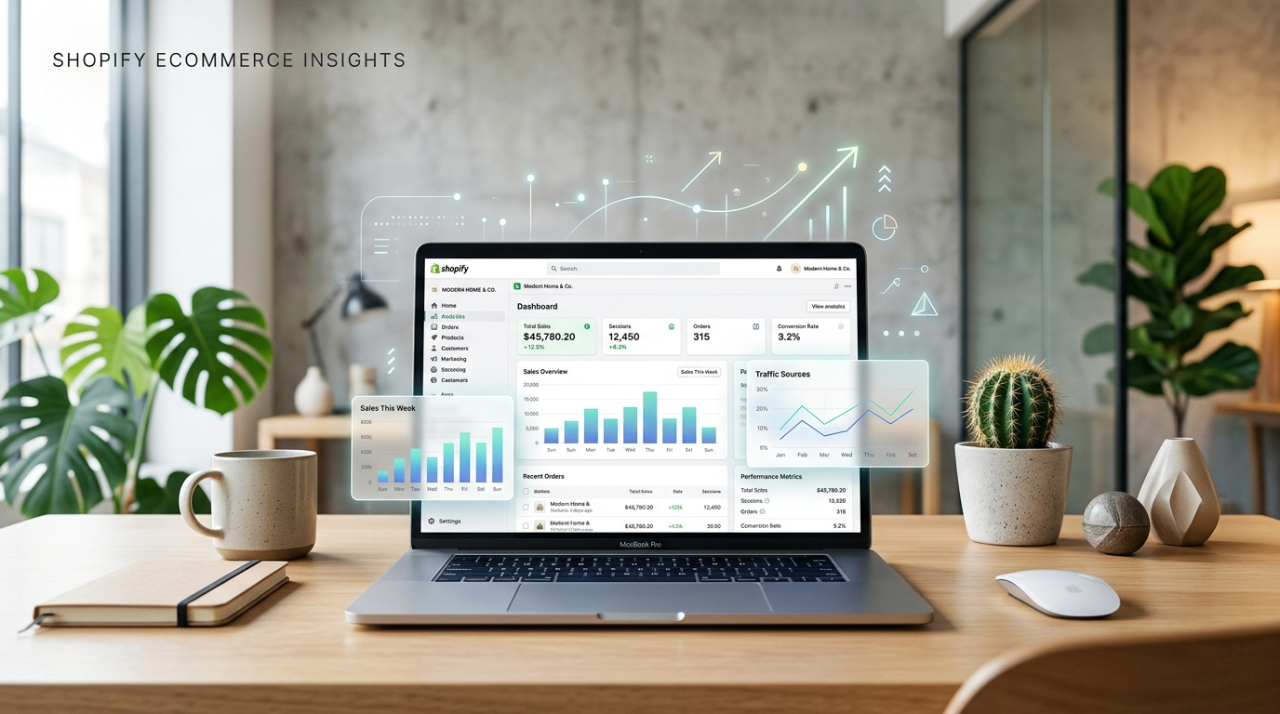
Running a Shopify store can feel like a balancing act: you’re juggling products, marketing campaigns, and customer service. But while most store owners focus on traffic and ads, one silent factor can make or break your revenue: your store’s design and user experience.
Even if your store “looks fine,” issues like slow loading pages, confusing navigation, or checkout friction can quietly drive customers away.
In this guide, we’ll help you identify the key signs your Shopify store needs a redesign and what you can do about it.
1. Slow Loading Pages
Did you know that 1-second delay in page load can reduce conversions by 7%?
If your product pages or homepage take longer than 3 seconds to load, visitors are likely leaving before they even see your products.
Common causes:
-
Heavy Shopify themes with unnecessary features
-
Too many apps adding scripts
-
Large, unoptimized images
Quick tip: Use tools like PageSpeed Insights or Shopify’s own speed report to see how your store performs.
2. High Bounce Rate on Product or Collection Pages
If visitors are leaving your store without interacting, it’s a sign your pages may not be compelling or clear.
Possible issues:
-
Product images are low quality or inconsistent
-
Headlines and descriptions don’t explain the value
-
Navigation is confusing or overwhelming
Visitors need to instantly understand your products and how they benefit them.
3. Low Conversion Rate
Traffic is useless if it doesn’t convert.
A low conversion rate may indicate:
-
Checkout process is too long or complicated
-
Missing trust signals like reviews, badges, or guarantees
-
Poor mobile experience
Benchmark: Most Shopify stores convert between 1–2%. If your store is below this, it’s time for a redesign focused on CRO (Conversion Rate Optimization).
4. Poor Mobile Experience
Over 70% of Shopify traffic comes from mobile devices.
If your store isn’t fully optimized for mobile:
-
Buttons are hard to tap
-
Images don’t resize properly
-
Text is too small
…you’re losing the majority of potential customers.
Tip: Use Shopify’s theme preview and Google’s mobile-friendly test to check.
5. Confusing Checkout Process
A complicated checkout is one of the fastest ways to lose sales.
Check for:
-
Too many steps or pages
-
Hidden shipping or tax costs
-
No guest checkout option
Even small improvements can boost conversions dramatically.
6. Outdated Branding or Design
Design trends change fast. Even if your store functions technically well, an outdated design can make your store feel untrustworthy or amateur.
Redesign triggers:
-
Old fonts, colors, or layout
-
Inconsistent product images
-
No modern visual hierarchy
A refreshed, professional look can instantly improve credibility and encourage purchases.
Quick Fixes vs Full Redesign
Not every issue requires a full redesign.
Quick fixes include:
-
Compressing images
-
Removing unnecessary apps
-
Fixing navigation
-
Adding trust signals
Full redesigns are needed when:
-
Theme is outdated or slow
-
Mobile experience is poor
-
Checkout and UX need a major overhaul
-
You want a conversion-focused layout
The Impact of Ignoring These Issues
Ignoring these signs can quietly drain revenue:
-
Lost sales
-
Higher cart abandonment
-
Poor brand perception
-
Wasted marketing spend
A well-executed redesign focused on speed, UX, and conversion can often increase revenue faster than adding more traffic.
Ready to Take Action?
If your Shopify store ticks any of the boxes above, I’m offering free Shopify store audits this week.
I will review:
-
Store speed
-
Product page UX
-
Checkout flow
-
Conversion opportunities
Limited spots available.Contact me today to secure your audit and start turning your Shopify store into a sales machine.
Alliance IT Solutions
Related Articles

How to Know When Your Website Needs a Redesign
Your website is often the very first impression your business makes. If it's slow to load, difficult to navigate, or looks like it was built a decade ago, potential customers won't wait around to give you a second chance. Many businesses hold on to outdated websites far longer than they should — and quietly lose leads, credibility, and revenue every single day as a result.
Read More
Shopify vs WordPress vs Webflow: Which Platform Wins for AI-Powered Websites in 2026?
The platform you build on shapes everything — your SEO ceiling, your AI capabilities, your maintenance costs, and your ability to scale. Here is the most complete, honest comparison for businesses in the US, Australia, and New Zealand.
Read More
How AI-Powered Search Is Reshaping Shopify SEO in the US, Australia, and NZ
Google AI Overviews, ChatGPT, Perplexity, and Bing Copilot are changing how customers find products online. Here's what it means for your Shopify store — and exactly what to do about it.
Read MoreNeed Help with Your Project?
Our expert team is ready to help you implement these strategies and build amazing web solutions.
Get Free Consultation