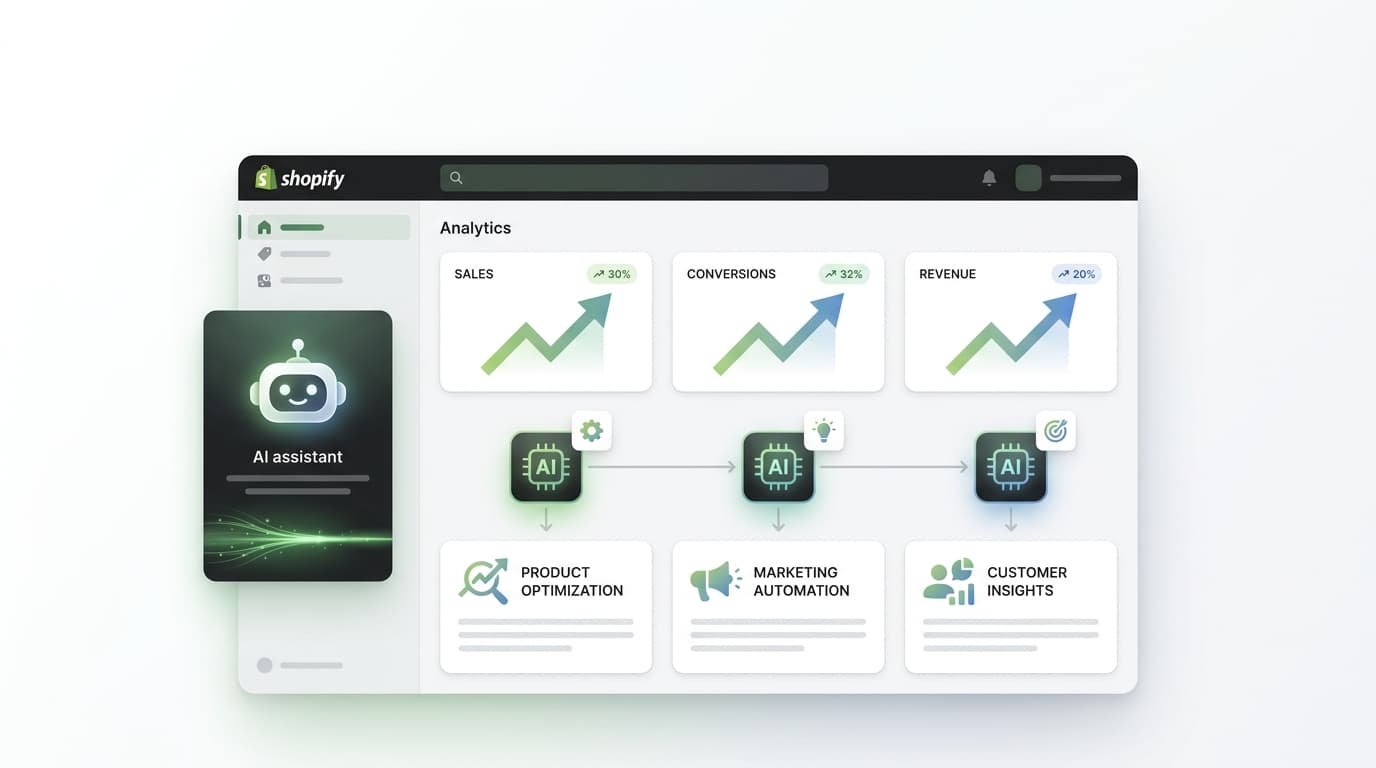
Running an eCommerce store has never been faster or more demanding at the same time. You're expected to produce more content, run smarter campaigns, and process more orders — all while keeping your customers delighted. Shopify's AI Sidekick was built precisely for this reality.
Launched with Shopify's Winter Edition in December 2024 and significantly upgraded through 2025's RenAIssance Edition, Sidekick is now one of the most capable AI tools available to online retailers — and it comes free with every Shopify plan.
Available to all Shopify merchants — no extra cost, no setup required
Increase in operational efficiency reported by merchants using Sidekick
Languages supported — helping global merchants manage stores in their own language
Section 01 What Is Shopify Sidekick — and Why Is It Different?
Shopify Sidekick is a native AI commerce assistant built directly into your Shopify admin dashboard. It's powered by Shopify Magic, a suite of AI capabilities trained specifically on the Shopify ecosystem — which means it doesn't just understand AI; it understands your store.
Unlike a generic AI tool like ChatGPT, Sidekick has direct access to your products, orders, analytics, and settings. It can answer questions like "Which product has the highest return rate this month?" or "What were my top-performing collections last quarter?" — and it can take action directly inside your admin, with your approval.
What Makes Sidekick Genuinely Powerful
Knows Your Business
Direct access to your Shopify data — products, orders, customers, analytics — so every response is contextualised to your store.
You Stay in Control
Sidekick never makes changes without your explicit approval. It proposes, you decide — always.
Natural Language First
No technical skill required. Ask in plain English and Sidekick understands context, follows up, and refines.
Available Everywhere
Desktop, mobile browser, and Apple Watch. Voice mode and screen sharing available in beta.
"AI is giving Shopify merchants superpowers." — Harley Finkelstein, President of Shopify
Section 02 How to Access Shopify Sidekick (It Takes 10 Seconds)
One of the best things about Sidekick is how effortless it is to start using. There's no installation, no configuration, and no additional cost. If you have an active Shopify subscription, Sidekick is already waiting for you.
Go to your store's admin dashboard at yourstore.myshopify.com/admin on any desktop or mobile browser.
Look for the distinctive purple glasses icon — Sidekick's entry point — on any page of your admin. Click or tap it to open the chat panel.
Type or speak your request naturally. There's no special syntax — just ask as you would a knowledgeable colleague sitting next to you.
For tasks that modify your store, Sidekick presents the proposed change for your review. You approve, reject, or ask for alternatives — always.
Compatibility note: For full theme-editing capabilities, your store should use the Dawn theme version 11.0.0 or higher, or any other compatible Shopify theme that supports custom section blocks. Voice mode and screen sharing are currently in beta.
Section 03 Content Creation at Scale: Descriptions, Blogs & Visuals
Content is the engine of eCommerce growth — and it's also the task that eats most of a merchant's time. Sidekick can dramatically compress the time between "I have a new product" and "it's live with optimised copy, images, and a supporting blog post."
Product Descriptions That Convert
Give Sidekick a few product details — material, audience, key benefits, tone — and it generates a set of complete product descriptions ready for a final polish. The output respects your brand voice and can be generated in multiple tones or angles simultaneously. You go from writer to editor, which is 10 times faster.
Blog Posts & Email Copy
Sidekick is built into Shopify's email campaign tool, meaning you can generate full email sequences directly inside your marketing workflow. For blog content, you can ask Sidekick to produce a full draft targeting a specific keyword or topic, then refine it until it matches your voice.
AI Image Generation
Beyond text, Sidekick can generate images on demand through Shopify Magic. Need a hero banner for a seasonal sale? A product backdrop? A social media graphic? Provide a prompt and Sidekick produces up to five AI-generated images you can save directly to your media library — no Canva subscription, no designer required.
Try These Prompts with Sidekick
- "Write three product descriptions for this waterproof hiking jacket — casual, adventurous, and premium tone."
- "Create a homepage hero banner for a summer skincare launch — bright, clean aesthetic with sand and ocean tones."
- "Draft a welcome email for new subscribers. Highlight our sustainability values and offer a 10% first-order discount."
- "Write a 600-word blog post targeting the keyword 'best gifts for runners 2025'."
- Product titles and descriptions from keywords, images, or bullet points
- Blog post drafts targeted to specific keywords or topics
- Email marketing copy built into the Shopify Messaging interface
- AI image generation — banners, product backdrops, social graphics
- Theme section creation for visual customisation without coding
- Multi-tone and multi-language content generation in 20+ languages
Section 04 Workflow Automation: Build Complex Flows in Plain Language
One of the most transformative upgrades in Shopify's 2025/2026 editions is Sidekick's ability to build Shopify Flow automations from plain-language descriptions. What previously required understanding Flow's visual editor or hiring a developer can now be done with a sentence.
Sidekick translates your intent into a fully structured automation, shows you the logic for review, and deploys it once you approve. This turns hours of developer time or learning curve into minutes of conversation.
Automation Examples You Can Build Right Now
Automation Prompts That Work
- "When inventory drops below 10 units on any product, send a Slack alert and add a 'Low Stock' tag."
- "Automatically apply a 15% discount to orders over $200 from customers who've bought more than 3 times."
- "Tag orders as 'Priority' if they're placed by customers in our VIP segment and total over $500."
- "Send an abandoned cart email 2 hours after a cart is abandoned, and a follow-up after 24 hours."
- Shopify Flow workflow creation from natural language descriptions
- Inventory threshold alerts connected to Slack, email, or admin tags
- Automated discount and pricing rules based on customer behaviour
- Order tagging, prioritisation, and routing based on custom conditions
- Abandoned cart and post-purchase follow-up sequence automation
- Bulk product updates — pricing, tags, metafields — via conversational commands
Sidekick Pulse (Winter '26): The newest version of Sidekick now works proactively in the background — analysing your store data and surfacing personalised growth recommendations before you even ask. Think of it as a business consultant who never sleeps.
Section 05 Marketing & Customer Insights: Smarter Campaigns, Better Targeting
Sidekick's access to your customer and sales data makes it a genuine marketing intelligence tool. Instead of exporting spreadsheets and building segments manually, you can simply describe the audience you want to reach and Sidekick builds the segment, drafts the campaign, and estimates the reach — all in one conversation.
Customer Segmentation
Ask Sidekick to identify your highest-LTV customers, your lapsed buyers who haven't ordered in 90 days, or your customers in a specific location who purchased a specific product category. It translates your criteria into precise Shopify customer segments ready for a targeted campaign.
Campaign Recommendations
Sidekick can analyse your sales patterns, seasonal trends, and product performance to suggest which campaigns to run next and when. It identifies peak periods, underperforming products that would benefit from a promotional push, and customer segments most likely to respond to specific offers.
Marketing Prompts to Try
- "Create a customer segment of buyers who purchased swimwear last summer but haven't bought this year."
- "Which of my products have the highest reorder rate? Suggest a campaign to drive repeat purchase."
- "Draft a 3-email win-back sequence for customers who haven't ordered in 90+ days."
- "What were my best-performing marketing campaigns last quarter? What made them work?"
- Customer segment creation from plain-language audience descriptions
- Campaign performance analysis and next-best-action recommendations
- Email sequence drafting built directly into Shopify Messaging
- Product performance reporting with AI-generated insight summaries
- Seasonal trend identification and promotional calendar suggestions
- A/B testing suggestions based on your store's conversion data
Section 06 Store Management & Analytics: Your Data, Instantly Explained
Beyond content and marketing, Sidekick is a powerful operational tool. Merchants who previously spent hours digging through Shopify Analytics reports can now get the same insights — plus interpretation — in seconds by asking in plain language.
Order management tasks that typically require navigating multiple admin screens can be handled conversationally: filter orders, update fulfilment status, apply bulk changes, and manage customer records — all without leaving the chat.
Analytics Queries You Can Ask Right Now
Store Management Prompts
- "Show me my top 10 revenue-generating products this month vs last month."
- "Which orders from this week are unfulfilled and flagged for priority shipping?"
- "What's my average order value for first-time buyers vs returning customers?"
- "Which collections have the highest cart abandonment rate? What could be causing it?"
- Real-time analytics queries answered in plain language with context
- Order filtering, tagging, and bulk management via conversational commands
- Inventory level monitoring with proactive low-stock surfacing
- Customer record lookup, notes, and segment assignment
- Domain, metafield, and settings management without technical knowledge
- Custom app generation from natural language requirements (no-code builds)
For longer tasks: Sidekick continues working in the background and notifies you when it's ready for review — so you can set a complex task in motion and get on with running your business while it completes.
Grow Faster with Alliance IT Solutions
Pair Shopify Sidekick with Expert eCommerce SEO & Digital Growth Services
Section 07 Pro Tips & Power Prompts: Getting 3x More Out of Sidekick
Like any AI tool, the quality of what you get from Sidekick is directly tied to the quality of what you ask. These strategies separate merchants who get "pretty useful" results from those who genuinely scale their operations.
1. Be Specific About Context and Tone
Instead of "write a product description," try "write three product descriptions for this merino wool beanie targeting cold-weather hikers aged 28–45, in a premium-but-approachable tone." More context always produces more useful output.
2. Use Sidekick for First Drafts, Then Add Your Voice
AI-generated content is fastest when you treat it as a strong first draft. Sidekick gets you 80% of the way there in seconds — your job is to add the brand-specific stories, specific customer references, and distinctive voice that make it truly yours.
3. Chain Requests Together
Sidekick remembers context within a conversation. After asking for product descriptions, you can say "now generate three subject lines for an email campaign promoting those products" — and it will produce contextually relevant results without you re-explaining the product.
4. Ask "Why" Not Just "What"
Sidekick is a business consultant, not just a task executor. Ask it "Why did my conversion rate drop last Tuesday?" or "What's driving the spike in returns on my accessories category?" — and you'll get interpretive analysis, not just raw data.
5. Pair Sidekick with a Dedicated SEO Strategy
Sidekick is exceptional at creating content — but content without an SEO strategy behind it won't rank. The most successful Shopify merchants combine Sidekick's content velocity with a structured eCommerce SEO strategy that ensures every product description, blog post, and category page is optimised for the keywords that drive qualified traffic.
Team access: Every staff member can use Sidekick based on their admin permissions. It automatically respects access controls, so team members only interact with data and features they're authorised to use — making it safe to roll out across your entire team.