Complete Web Development Guide with React and Node.js
Learn web development with React and Node.js. Explore frontend and backend integration, modern JavaScript frameworks, and best practices for building scalable web apps.
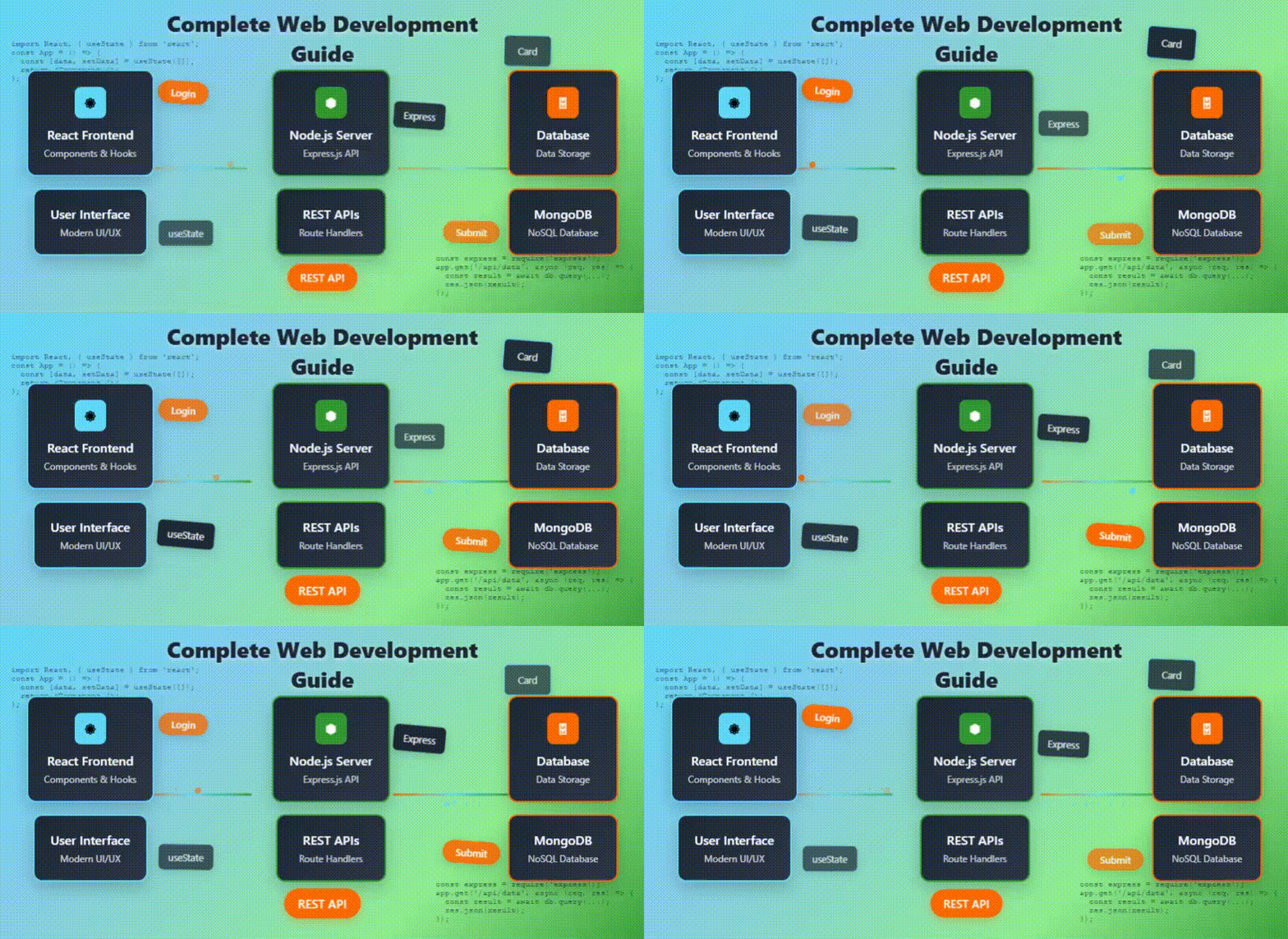
Modern web development has evolved tremendously, and two technologies dominate the landscape: React for frontend development and Node.js for backend development. This guide will walk you through building scalable, efficient, and interactive web applications using React and Node.js.
Why Choose React and Node.js?
React and Node.js are widely adopted by web developers because of their flexibility, speed, and scalability:
- React: A JavaScript library for building dynamic user interfaces, emphasizing component-based architecture and efficient state management.
- Node.js: A server-side JavaScript runtime built on Chrome's V8 engine, ideal for building fast and scalable backends.
By combining React and Node.js, you get a full-stack JavaScript environment, allowing seamless integration between frontend and backend while maintaining a single language across the stack.
Getting Started with React
React makes building interactive UIs simple. To start:
- Install Node.js and npm (Node Package Manager).
- Use
npx create-react-app my-appto scaffold a new React project. - Understand components, props, and state management.
- Learn about React hooks like
useStateanduseEffectfor dynamic behavior.
Core Concepts of React
- Components: Reusable pieces of UI.
- JSX: A syntax extension that looks like HTML within JavaScript.
- State and Props: Manage data inside components and pass data between them.
- Lifecycle Methods & Hooks: Handle side effects, fetch data, and manage DOM updates.
Getting Started with Node.js
Node.js allows you to build server-side applications using JavaScript. Here’s how to start:
- Install Node.js from the official website.
- Create a new project with
npm init. - Install Express.js for routing and middleware support.
- Set up REST APIs to serve frontend requests.
Core Concepts of Node.js
- Modules: Break code into reusable files.
- Express.js: A lightweight framework for handling HTTP requests and building APIs.
- Middleware: Functions that process requests before reaching route handlers.
- Database Integration: Connect to MongoDB, MySQL, or PostgreSQL for data storage.
Building a Full-Stack Application
Combining React and Node.js lets you build full-stack applications. A typical workflow:
- Frontend React app handles UI and user interactions.
- React sends API requests to the Node.js backend.
- Node.js processes requests, interacts with a database, and returns JSON responses.
- React updates the UI based on backend responses.
“A full-stack JavaScript environment using React and Node.js simplifies development and reduces context switching.”
Best Practices in React Development
- Use functional components and hooks instead of class components for cleaner code.
- Organize components into folders by feature or module.
- Use state management tools like Redux, Context API, or Zustand for large applications.
- Optimize performance with React.memo, lazy loading, and code splitting.
Best Practices in Node.js Development
- Use asynchronous programming (async/await) to handle I/O operations efficiently.
- Implement proper error handling and logging.
- Use environment variables for configuration.
- Secure APIs with authentication, authorization, and input validation.
- Test APIs using Jest or Mocha to ensure reliability.
Integrating React and Node.js
To connect a React frontend with a Node.js backend:
- Set up a REST API or GraphQL server with Node.js and Express.
- Use Axios or Fetch API in React to call backend endpoints.
- Handle responses and update the React state accordingly.
- Ensure proper CORS configuration to allow frontend-backend communication.
Optimizing for Production
- Bundle React app using Webpack or Vite for production.
- Use environment variables to differentiate development and production settings.
- Enable server-side caching and database indexing in Node.js.
- Deploy frontend and backend using platforms like AWS, Vercel, or Heroku.
- Monitor performance with tools like New Relic or Google Lighthouse.
Conclusion
React and Node.js together create a powerful stack for building modern web applications. By mastering frontend development with React and backend development with Node.js, developers can build scalable, high-performance web apps that deliver excellent user experiences. Whether you’re a beginner or an experienced developer, understanding this full-stack approach is essential for modern web development.
Start experimenting today with React and Node.js, and you’ll unlock the potential to create dynamic, interactive, and efficient web applications that stand out in today’s competitive digital world.
Written by: Gurdeep Singh
Tags: Web Development, React JS, Node.js, Full-Stack JavaScript, Frontend Development, Backend Development, Web App Development
Alliance IT Solutions
Related Articles
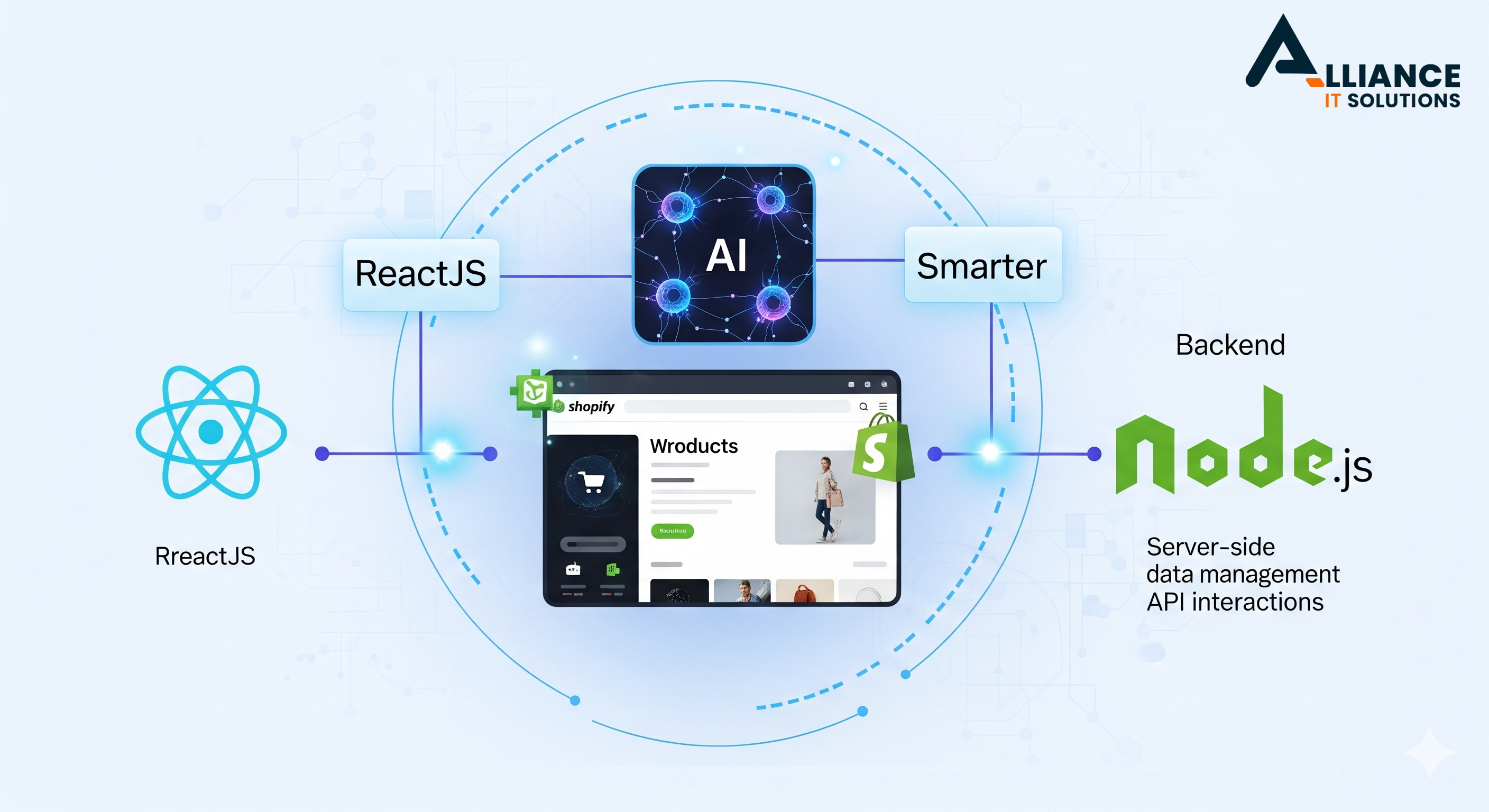
How Shopify, AI, and Modern Web Technologies Boost Your Online Store | Alliance IT Solutions
Learn how AI, ReactJS, and Node.js make Shopify stores smarter, faster, and more profitable for non-technical business owners.
Read More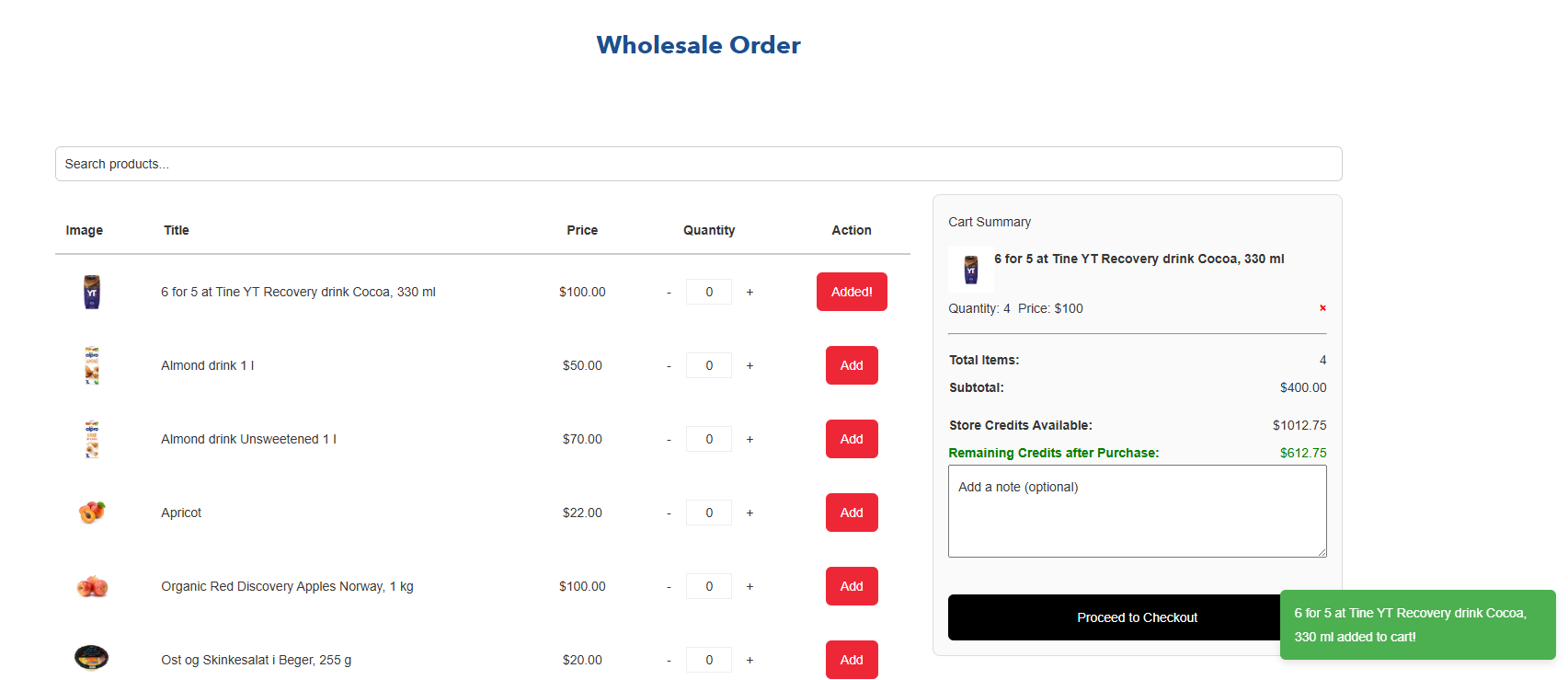
Shopify Bulk Order Functionality with Store Credits: A Simple Guide
Shopify custom app’s powerful bulk order functionality and store credits system can help your online store handle large orders effortlessly and offer flexible payment options. Improve order management, increase customer loyalty, and deliver a seamless shopping experience with this easy-to-integrate Shopify solution designed specifically for merchants looking to grow their business.
Read More
Mastering React Hooks: A Deep Dive into Modern State Management
Explore the power of React Hooks—useState, useEffect, custom hooks, context, and best practices for scalable apps.
Read MoreNeed Help with Your Project?
Our expert team is ready to help you implement these strategies and build amazing web solutions.
Get Free Consultation