Mastering React Hooks: A Deep Dive into Modern State Management
Explore the power of React Hooks—useState, useEffect, custom hooks, context, and best practices for scalable apps.

React Hooks have revolutionized the way we manage state and side effects in functional components. Since their introduction in React 16.8, Hooks have become the standard approach to writing scalable, readable, and reusable React components.
In this article, we’ll explore the most powerful Hooks—useState, useEffect, useContext, and custom hooks—and learn how to structure state logic for large, maintainable applications in 2025.
1. What Are React Hooks?
Hooks are functions that let you “hook into” React’s state and lifecycle features from functional components. They remove the need for class components entirely.
Most commonly used Hooks include:
useState– manage local component stateuseEffect– handle side effects like API callsuseContext– global state sharinguseMemo,useCallback– optimize re-rendersuseReducer– alternative to useState for complex logic
"Hooks don’t work inside classes — they let you use React without classes."
2. useState: The Building Block
useState lets you add state to functional components.
import React, { useState } from 'react';

function Counter() {

  const [count, setCount] = useState(0);

  return (

    <div>

      <p>Count: {count}</p>

      <button onClick={() => setCount(count + 1)}>+1</button>

    </div>

  );

}
Best Practices
- Keep state variables small and focused
- Use objects only when values are tightly related
- Use lazy initialization for expensive defaults
3. useEffect: Side Effects with Control
useEffect handles everything outside of rendering: API calls, DOM updates, subscriptions, etc.
useEffect(() => {

  fetch('/api/data')

    .then(res => res.json())

    .then(setData);

}, []); // Runs only on mount
Dependency Array
[]– runs only once (componentDidMount)[dep]– runs on mount + whendepchanges- No array – runs on every render (usually not recommended)
Cleanup Functions
Useful for timers, subscriptions, or clearing memory.
useEffect(() => {

  const interval = setInterval(() => {

    console.log("Tick");

  }, 1000);

  return () => clearInterval(interval); // cleanup on unmount

}, []);
4. useContext: Global State Simplified
useContext allows passing data deeply without prop drilling.
Example: Theme Context
const ThemeContext = React.createContext('light');

function App() {

  return (

    <ThemeContext.Provider value="dark">

      <Toolbar />

    </ThemeContext.Provider>

  );

}

function Toolbar() {

  const theme = useContext(ThemeContext);

  return <p>Current Theme: {theme}</p>;

}
Ideal for auth state, themes, and user settings shared across the app.
5. useReducer: When useState Isn’t Enough
When you’re managing multiple related state variables or complex transitions, useReducer offers better control and structure.
Example: Counter with Reducer
const initialState = { count: 0 };

function reducer(state, action) {

  switch (action.type) {

    case 'increment': return { count: state.count + 1 };

    case 'decrement': return { count: state.count - 1 };

    default: return state;

  }

}

function Counter() {

  const [state, dispatch] = useReducer(reducer, initialState);

  return (

    <>

      <p>Count: {state.count}</p>

      <button onClick={() => dispatch({ type: 'increment' })}>+1</button>

    </>

  );

}
6. Creating Custom Hooks
Custom hooks let you extract and reuse logic across multiple components.
Example: useFetch Hook
function useFetch(url) {

  const [data, setData] = useState(null);

  useEffect(() => {

    fetch(url).then(res => res.json()).then(setData);

  }, [url]);

  return data;

}
Usage
const data = useFetch('/api/users');Custom hooks should always start with use and can call other hooks inside.
7. Managing Global State: Context vs Redux vs Zustand
React apps often grow beyond the reach of simple context. Here’s when to choose different tools:
| Tool | When to Use | Pros | Cons |
|---|---|---|---|
| Context API | Small apps, config, themes | Built-in, simple | Re-renders on every update |
| Redux Toolkit | Large apps, strict structure | Devtools, middleware, ecosystem | Boilerplate, learning curve |
| Zustand | Mid to large apps needing fast state | Minimal, no boilerplate | Fewer devtools |
8. Performance Tips for Hooks
To keep your hooks performant and avoid re-renders:
- Use
useMemoto cache expensive values - Use
useCallbackto memoize functions - Break components into smaller pieces
- Avoid passing new objects/functions as props
Example: useCallback
const handleClick = useCallback(() => {

  console.log("Clicked");

}, []);
9. Testing Hooks
You can test hooks with tools like @testing-library/react-hooks or within component tests.
Simple Hook Test
import { renderHook, act } from '@testing-library/react';

function useCounter() {

  const [count, setCount] = useState(0);

  const increment = () => setCount(c => c + 1);

  return { count, increment };

}

test('should increment count', () => {

  const { result } = renderHook(() => useCounter());

  act(() => result.current.increment());

  expect(result.current.count).toBe(1);

});
10. Organizing State in Large Applications
In complex apps, state should be:
- Local when only one component needs it
- Lifted when shared between siblings
- Global when used across routes/components
Use custom hooks and global stores to cleanly separate concerns. Name your state clearly and keep side effects predictable.
11. Bonus: New Hooks in React 18+
useId– Unique ID for hydration-safe labelsuseTransition– Defer low-priority updatesuseDeferredValue– Lag slow-rendering values
const [isPending, startTransition] = useTransition();

startTransition(() => {

  setSearchTerm(inputValue);

});
These hooks help improve UX and performance in modern apps.
Conclusion
React Hooks empower developers to write more reusable, modular, and maintainable code. From useState to useEffect, useContext, and custom hooks, mastering them is essential for building high-quality React applications in 2025.
Start small, write custom hooks, manage state cleanly, and choose the right tool for the right scale. You’ll not only write better React code—but also build scalable apps that are easy to test, debug, and grow.
Alliance IT Solutions
Related Articles
How Shopify, AI, and Modern Web Technologies Boost Your Online Store | Alliance IT Solutions
Learn how AI, ReactJS, and Node.js make Shopify stores smarter, faster, and more profitable for non-technical business owners.
Read More
Complete Web Development Guide with React and Node.js
Learn web development with React and Node.js. Explore frontend and backend integration, modern JavaScript frameworks, and best practices for building scalable web apps.
Read More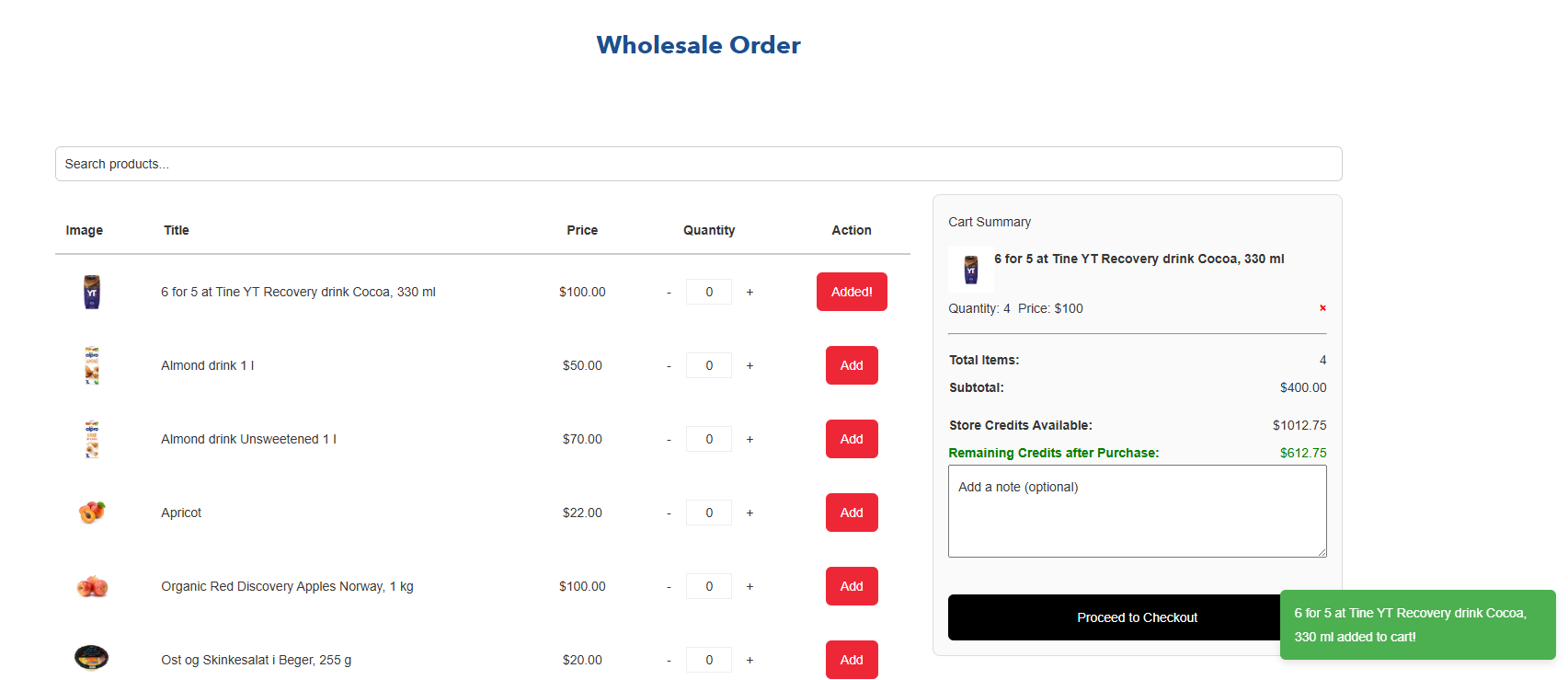
Shopify Bulk Order Functionality with Store Credits: A Simple Guide
Shopify custom app’s powerful bulk order functionality and store credits system can help your online store handle large orders effortlessly and offer flexible payment options. Improve order management, increase customer loyalty, and deliver a seamless shopping experience with this easy-to-integrate Shopify solution designed specifically for merchants looking to grow their business.
Read MoreNeed Help with Your Project?
Our expert team is ready to help you implement these strategies and build amazing web solutions.
Get Free Consultation